Blog


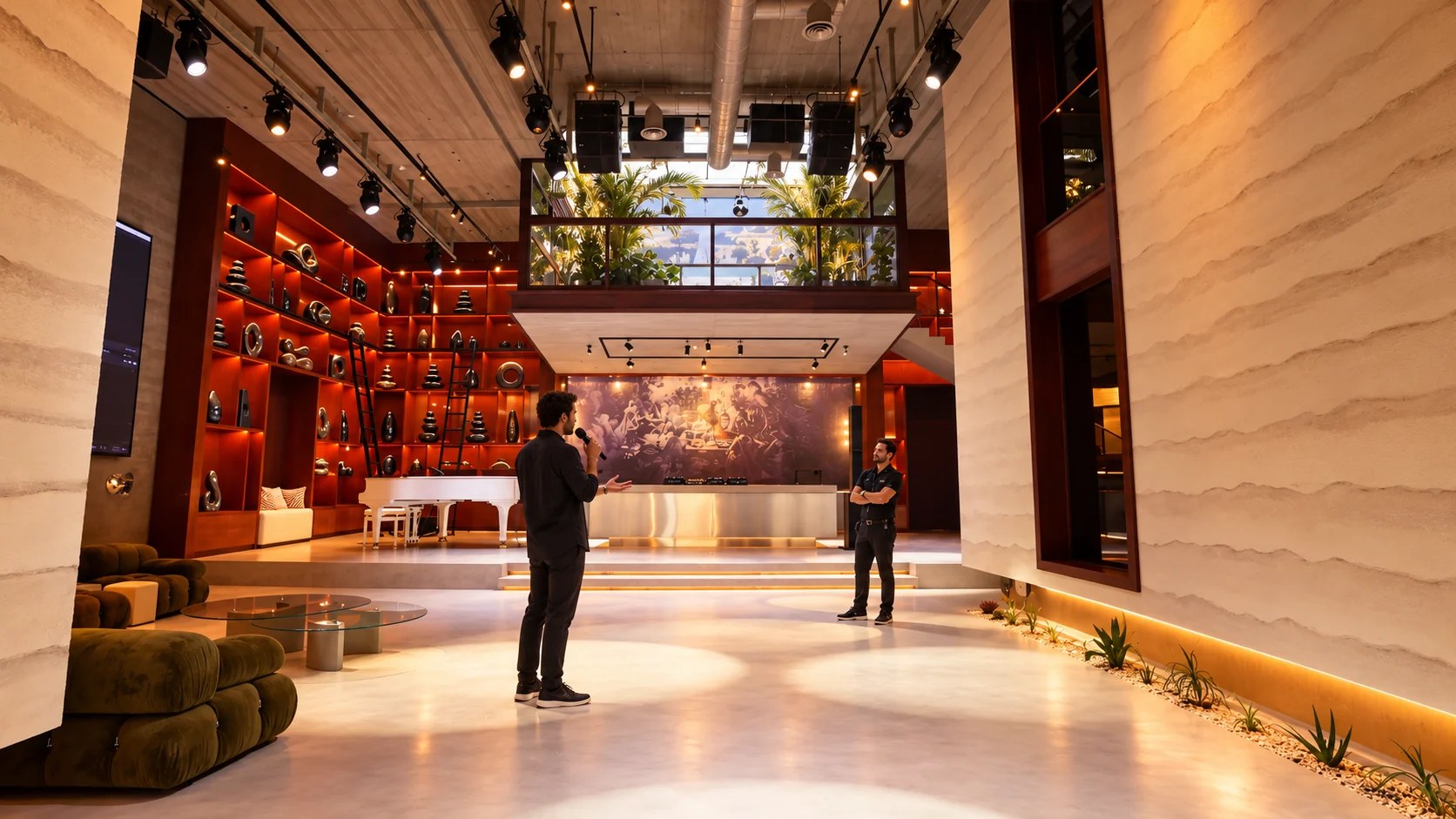
Assess an event venue sound system in Dubai through microphone tests and playback checks. Prepare an audio brief for Someone’s House in Al Quoz.
Guests need to hear the speaker’s words from their seats, so the event venue's sound system in Dubai should be tested during the site visit. Someone reading a passage at normal speaking volume provides a useful sample for the test. Listen near the back and beside the proposed speaking position. If a particular sentence becomes difficult to follow, the technician needs to know where you were seated and what you heard.
Someone’s House accommodates private events in Al Quoz, with audio requirements discussed in relation to the host’s proposed program and audience arrangement. Its current production inventory lists a Yamaha DM7 Compact console and L-Acoustics loudspeakers. Use the equipment list during that conversation, then confirm the assigned equipment and technical support in the event agreement. Take the planned program to the site visit so the sound demonstration relates to the evening guests will attend.
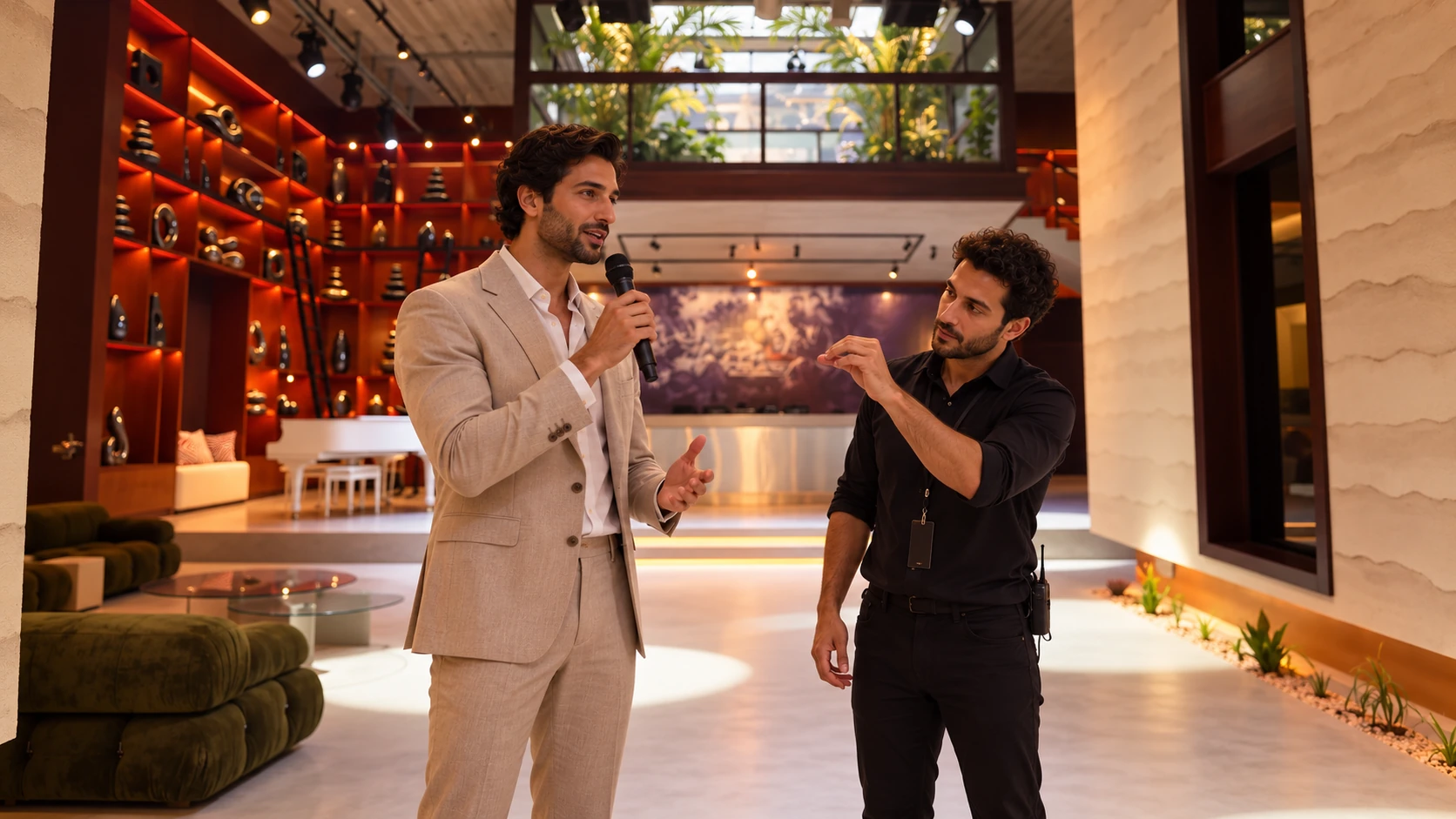
The technician needs to know how the event changes between spoken remarks and music, especially when a presentation follows a reception with background playback. For example, a proposed product presentation might move from the host’s welcome to a film containing spoken commentary. The operator needs to hear the film through the event’s playback device and compare its dialogue level with the live microphone. Once the host has spoken the final words of the welcome, the operator needs an agreed-upon cue to begin the film.
Audience participation requires its own microphone setup when guests ask questions from several seating groups and the host remains at the front. Your microphone assistant needs a usable route between those groups. The moderator can acknowledge the next question while the microphone reaches its speaker. Written questions offer another option, with the moderator reading them into the microphone. Decide which arrangement fits the event’s intended conversation while the seating plan is being prepared.
Guests beside a loudspeaker may hear a different balance from people near the rear seating, which makes the proposed layout part of the audio assessment. Furniture and the audience location belong in the technician’s planning information. In the demonstration, listen for word endings and the effort required to follow a complete sentence. Explain any difficulty using the exact seating position so the technician can assess the relevant area.
House’s official equipment inventory lists L-Acoustics A10 models and KS21 subwoofers that the host can discuss with the technical team when reviewing the proposed event. The technical team confirms the components assigned to the proposed arrangement. For a seated presentation, request a demonstration of speech from the actual speaking position; a music sample answers a different question. Listen to the intended material through the proposed equipment at the site visit.
Presenters who hold demonstration objects need to rehearse with them in hand, since a handheld microphone occupies one hand throughout the explanation. The technician may propose a wearable microphone for that part of the program, subject to a test with the presenter. Someone’s House’s inventory includes Sennheiser EW-D handheld systems, as well as wearable microphone options. The technician can discuss the appropriate allocation once the speaker’s movement and clothing are known.
For handheld microphones, the technician’s demonstration should include a normal speaking posture and a comfortable working distance that the presenter can maintain. Shure’s microphone feedback guidance explains that covering the grille changes pickup behavior and can increase the risk of feedback. The presenter should keep the grille exposed during use. Someone who usually speaks with expressive hand movements may benefit from trying a complete passage, especially if the microphone moves away from their mouth as they gesture.
Screen-based presentations deserve a listening check that includes the speaker turning toward the image, particularly when the talk requires frequent references to projected material. The technician listens for a change in audibility as the person turns. If the speaker will walk, the test includes the intended route. Guests should hear the same explanation the presenter has prepared, so any microphone adjustments should be made ahead of their arrival.
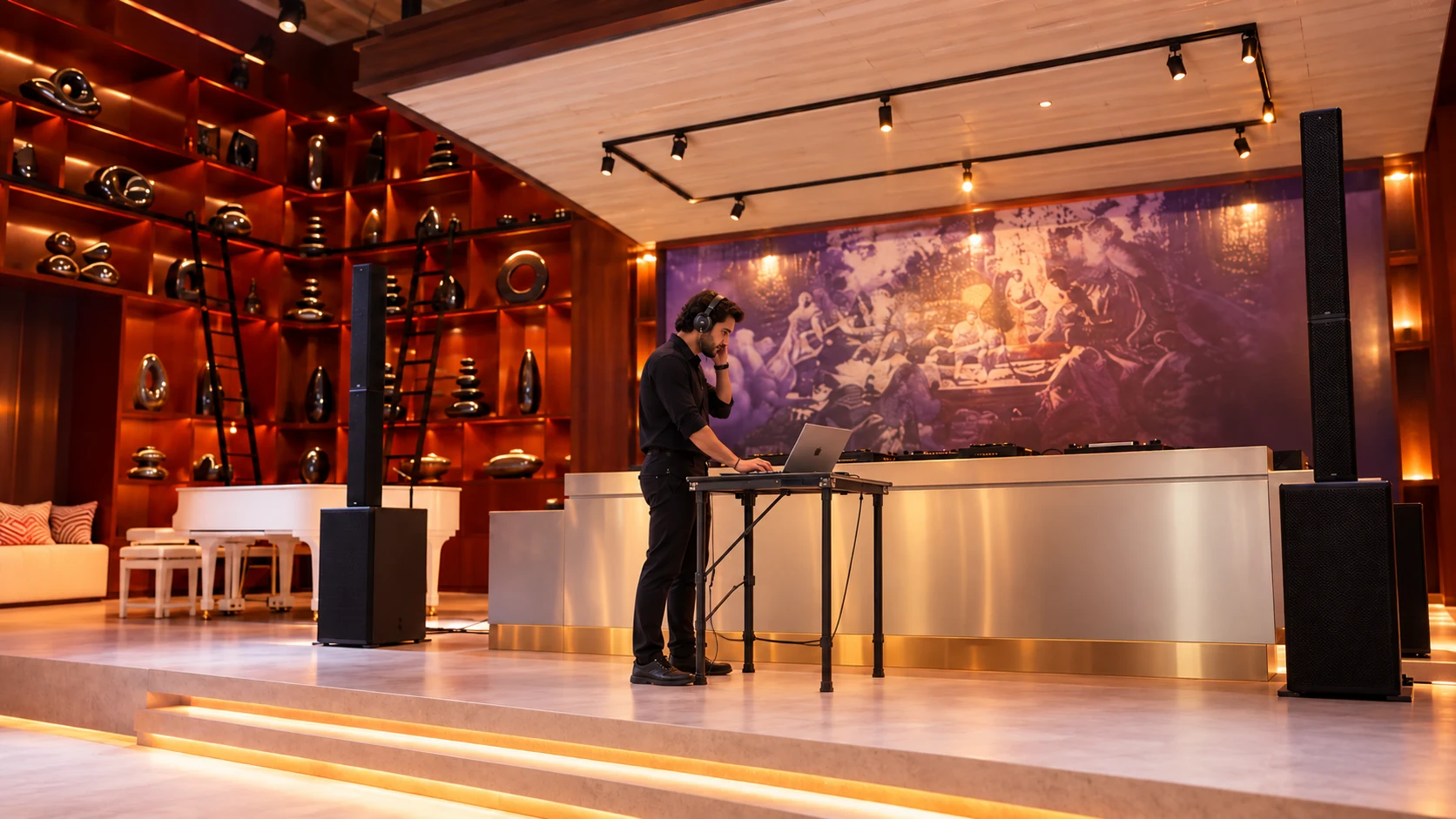
The sound operator works from an input list that identifies the sources arriving at the console, with the event’s live microphones listed alongside their playback devices. For a fixed speaker lineup, the list can use the presenters’ names. External suppliers need to see which connections the venue has assigned to their equipment and which items they are expected to supply. Once the teams agree on that division, they can obtain any required adapter or revise the connection plan.
Yamaha’s DM7 Compact specifications distinguish its 72 mono mixing channels from its 16 local analog inputs, a distinction worth checking when reviewing a venue inventory. Someone’s House lists that console in its current equipment document. For a host reading the channel count, the useful follow-up concerns the actual connection available for the event’s laptop. The proposal should describe that connection in terms the visiting presenter’s production contact can use.
Playback checks are especially useful when a presenter supplies their own computer, since the tested file and device need to remain identifiable. Record which laptop was used in the rehearsal and who will operate it during the event. If a replacement device is introduced, allow time for another connection test.
Microphones operating near loudspeakers require an assessment at the intended speaking positions, particularly when the host wants to move through the audience during questions. Shure explains feedback as amplified sound reentering a microphone and being amplified again. Its guidance addresses microphone placement and loudspeaker placement as part of prevention. The technician needs to know the proposed route before the event so the host can rehearse it using the selected microphone.
For a discussion with several microphones, the operator needs a running order showing who participates in each section and when the handovers occur. Shure recommends reducing the number of open microphones as part of feedback management. When the moderator cues the next speaker, the operator can prepare the relevant microphone. The crew can agree on that cue during rehearsal and use it throughout the discussion.
Presentation films deserve a complete listening pass through the event system, particularly when an edit moves between spoken commentary and a louder musical passage. The final approved file should reach the operator early enough for this check. Invite a colleague to assess the transition with the technician from an intended guest position. If the editor supplies a revised file afterward, identify the revision clearly so the operator tests the version intended for guests.
For a music-led reception, explain where guests are expected to converse and which part of the program requires their attention to move toward the host. The proposed listening level belongs in that discussion. Play a sample of the intended music so the host can hear its effect at conversational distance. Any sound-level conditions attached to the booking must be confirmed with the venue team for the selected event hours.
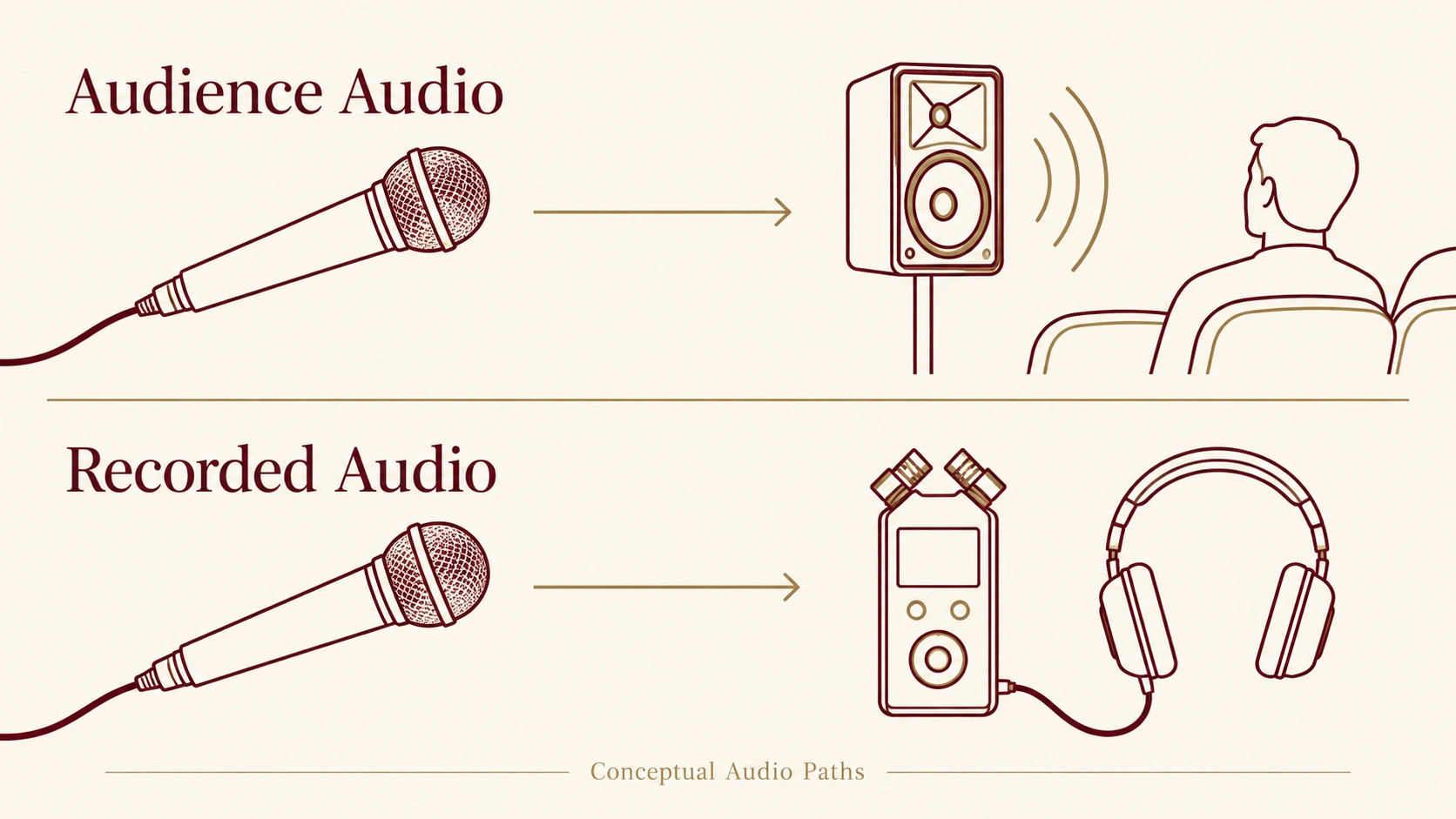
The camera crew needs to discuss its requested audio feed with the sound operator ahead of the event, especially whe audience questions will appear in the finished film. Identify the receiving recorder and the connection it accepts in the production brief. Have the crew record a sample exchange during rehearsal, then check the resulting file. The person operating the recorder should confirm that both the question and the answer are audible on playback.
For a presentation that will be edited afterward, the production agreement should name the requested files and the format in which they will be supplied. Separate microphone files require an explicit discussion with the recording team. The agreement should identify who checks those files and who delivers them to the editor. Publication permissions should be included in the event’s recording agreement with participants, along with any conditions governing intended use.
The event proposal should identify who prepares the system and who operates it during the program, particularly when an external production company joins the venue team. Hosts need a named contact for changes to the running order. The nominated contact needs access to the final presentation material and a way to reach the presenter during preparation. Agree on how a late change will be communicated while the technical crew still has time to review it.
Someone’s House’s booking information specifies a finite reservation, so technical preparation and equipment collection must align with the confirmed access hours. Ask the technician to estimate the time required for the proposed checks, then confirm the presenter’s availability within that period. The rehearsal schedule should include a chance to repeat any passage affected by an adjustment. Guest arrival follows the agreed preparation period, with the crew ready for the opening cue.
Hosts assessing an event venue sound system in Dubai can send Someone’s House the proposed program and audience arrangement for a date-specific technical discussion. Use the House booking page to share the intended date and expected attendance. Include the presenter’s microphone requirements in a separate note, along with the playback material that requires technical review. If a camera crew requires an audio feed, identify its production contact so the venue team can discuss the connection directly with the responsible person.